
iPhone Widget for Baby: Start a Soothing Sound in One Move
At night, it is not the moment to tap through five screens, search for a sound, or restart a video. When baby wakes up, every second matters, especially when you are already exhausted.
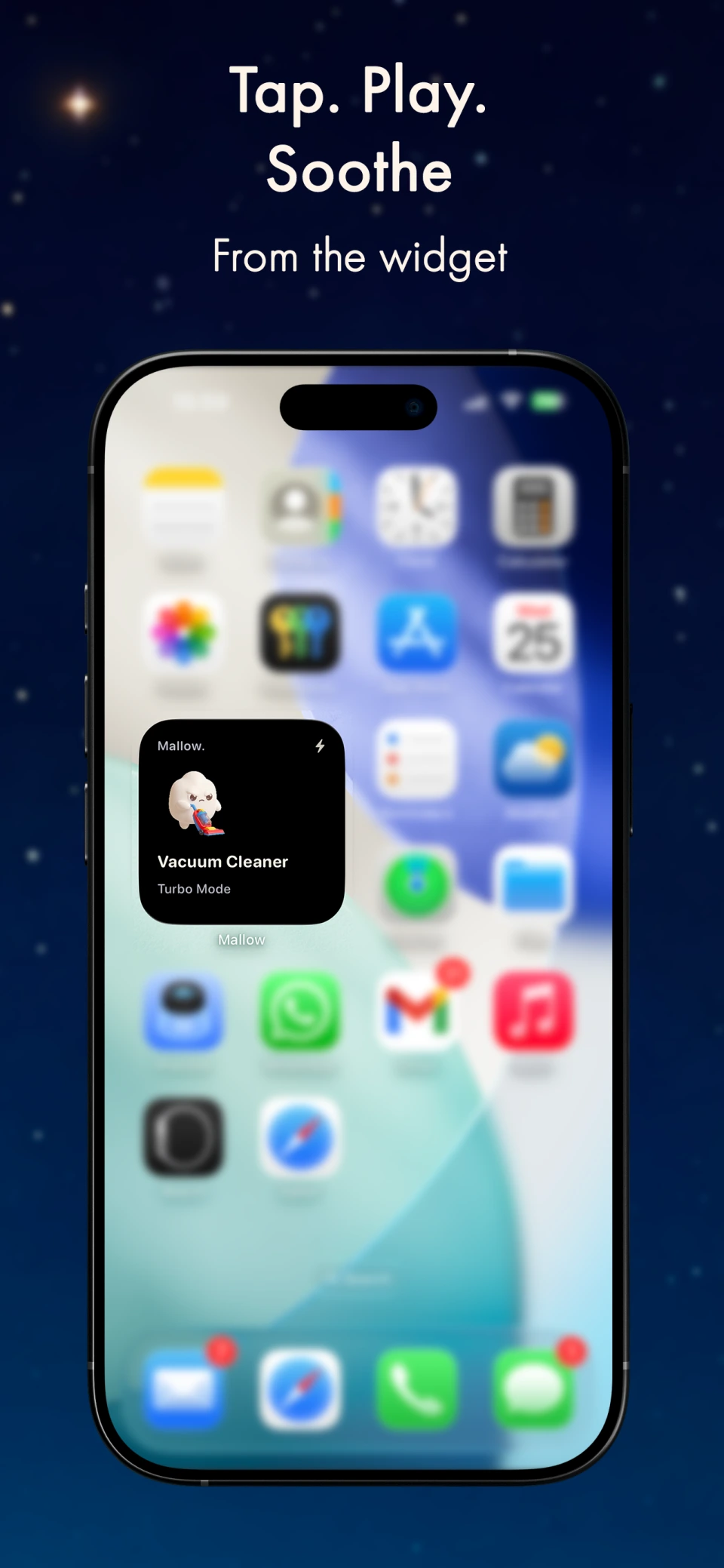
Mallow's iPhone widget is built for that moment. One move, one sound, and a little less friction exactly when you have the least mental bandwidth left.
In app
What Mallow looks like on iPhone
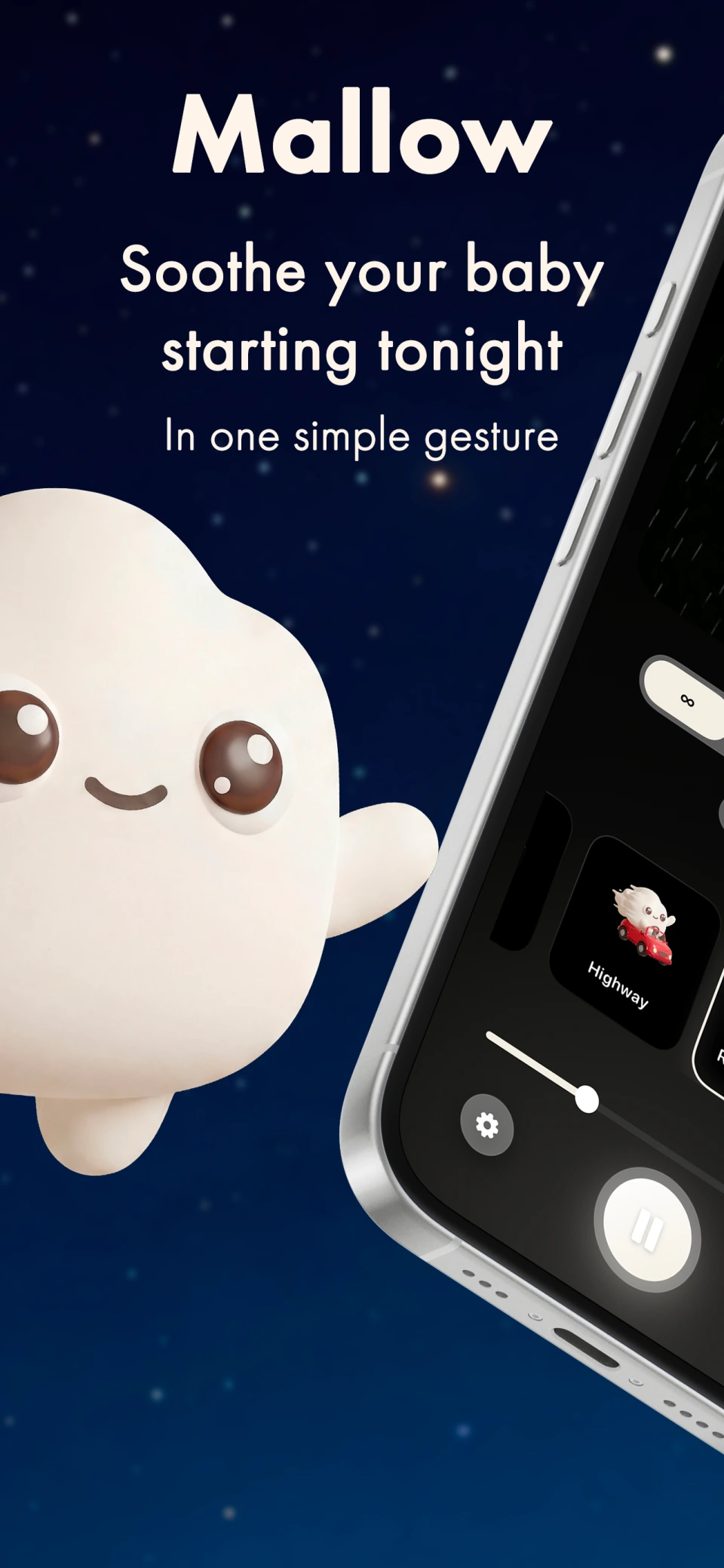
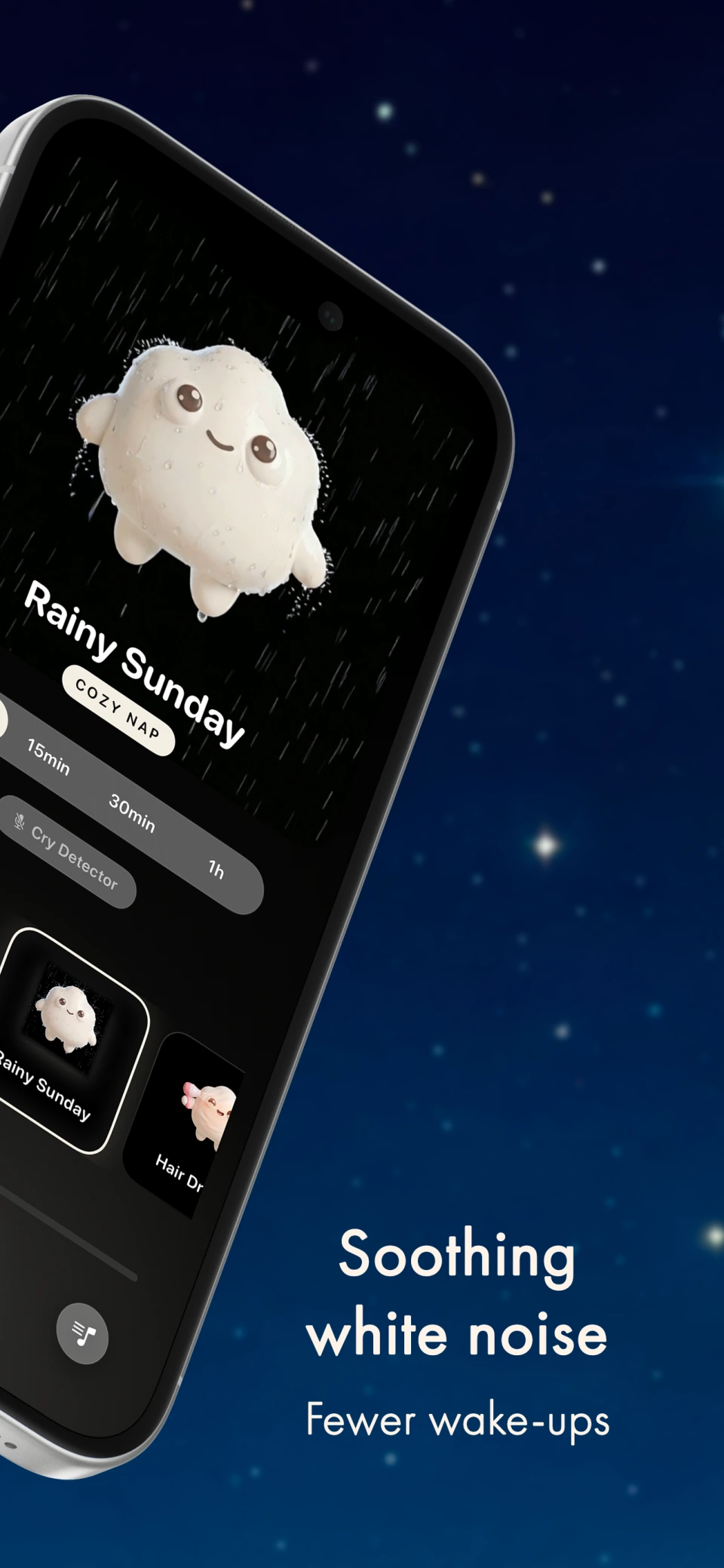
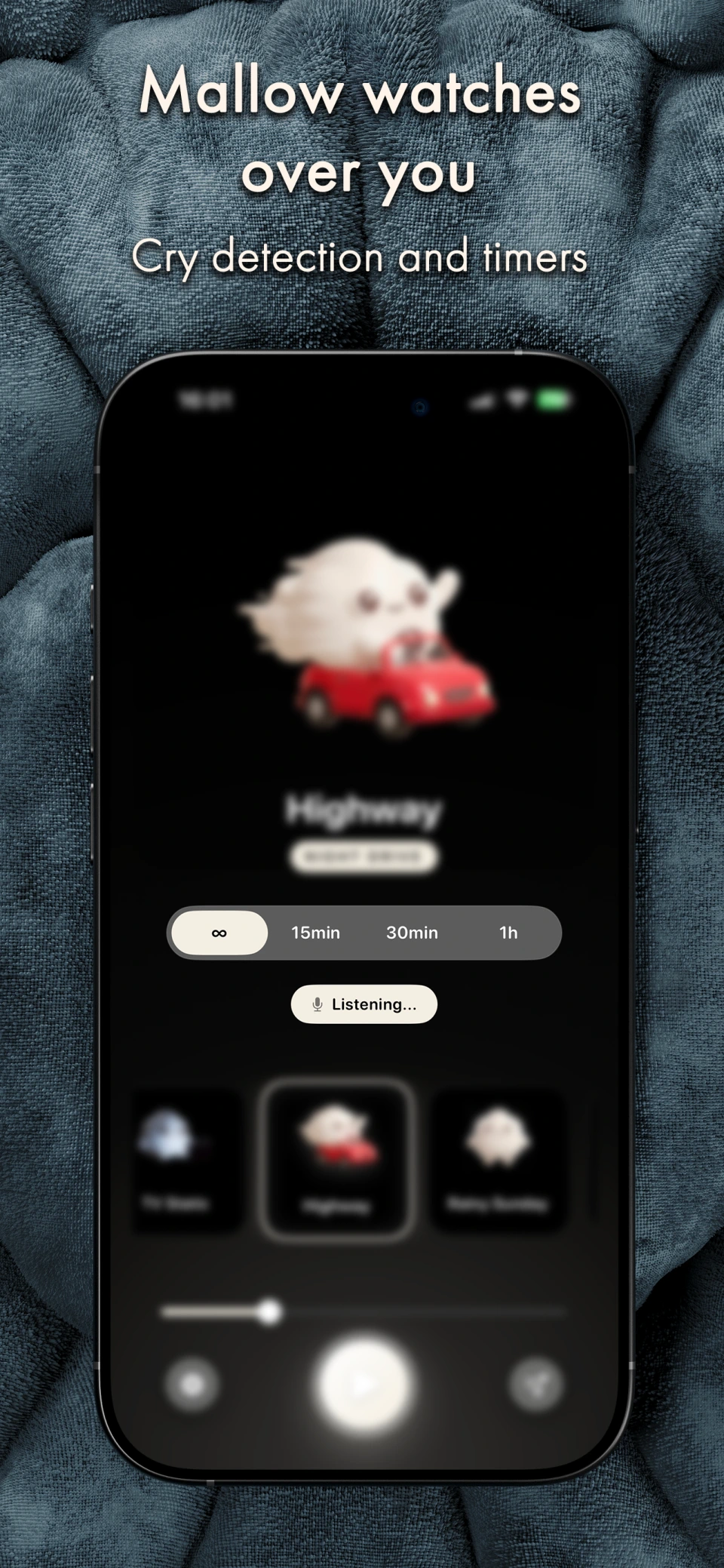
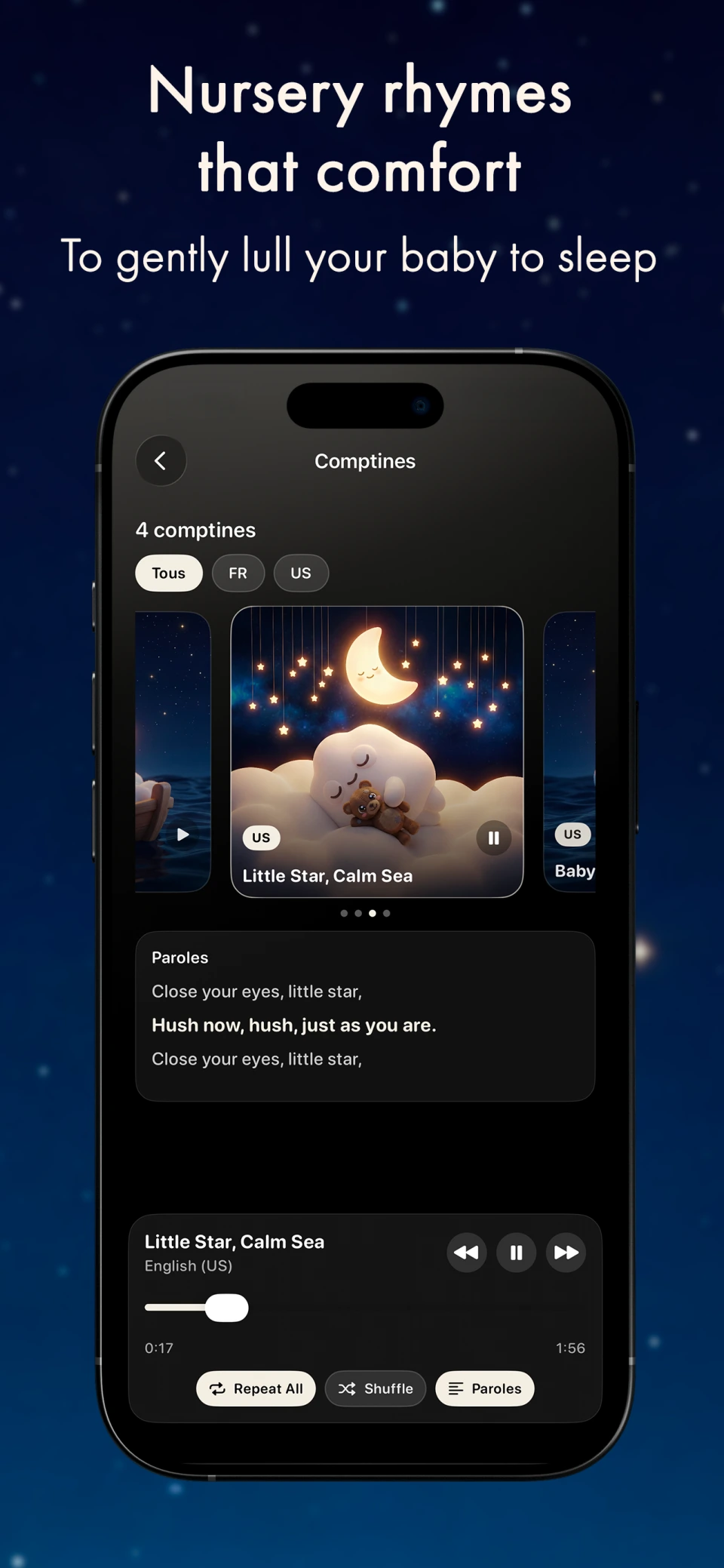
Swipe through the real screens to see the app, the sound library, nursery rhymes, and the quick-launch widget in context.
Why the widget changes the experience
A good nighttime tool is not only a good sound. It is also an interface you can use half awake, in the dark, without glare and without breaking the flow of your routine.
The widget turns Mallow into direct access. It cuts steps, removes detours, and helps you get back to baby faster.
What it simplifies in practice
Restart a sound immediately
Instead of opening the app, finding the right preset, and launching audio, the widget removes the most annoying steps from the middle of the night.
Keep the right sounds close
If you already found a background sound that works, the widget anchors it in your routine. You do not need to start experimenting again at the worst possible moment.
Reduce mental load
When you are tired, every extra decision costs something. Direct access lowers that small but real fatigue that builds up across repeated wakings.
When it is most useful
- •short night wakings when you need to act fast without fully waking up
- •fussy bedtime stretches when you repeat the same routine several times
- •naps when you want to start sound without handling your phone for long
- •periods when baby responds well to one clearly identified preset
Best pair: widget + the right sound
The widget is not magic on its own. It becomes powerful when it is tied to a sound your baby already knows and a routine that stays simple.
That is also what makes it a good companion to cry detection: one shortens access, the other helps maintain continuity during the night.
Explore also
Frequently Asked Questions
Does the widget replace the app?
No. It mainly simplifies access to the actions you repeat most often. The app still matters for adjusting sounds and routines.
Is it useful if my baby only likes one sound?
Yes, especially then. If one sound works reliably, the widget gives you immediate access to it without hesitation.
Is it mainly helpful at night?
That is where it adds the most value, but it can also make naps and daytime transitions smoother.
What should I pair it with first?
Start with your main soothing sounds. Then, if needed, add cry detection as an extra layer of continuity.
Read next
View the blogChoose the right soothing sounds
The widget works best when you already know which steady sound helps your baby most.
Explore baby cry detection
Add continuity to your routine when wake-ups keep happening through the night.
Read the white noise guide
Go deeper on volume, distance and choosing the right sound before locking in a preset.
Download Mallow on the App Store
When nights move fast, the most useful feature is often the one that removes steps.
Download Mallow on the App Store